What is shadow AI
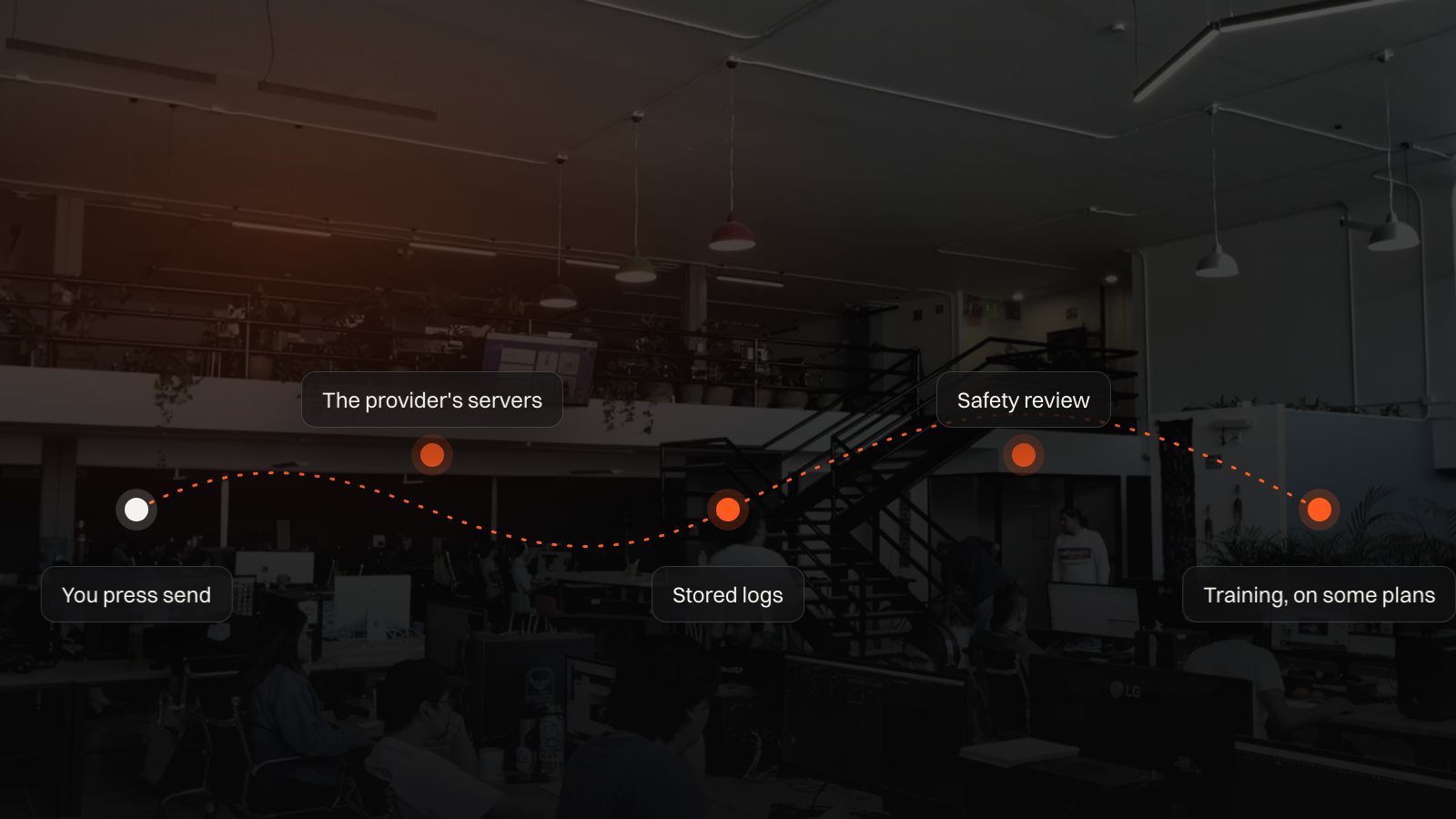
Shadow AI is any AI tool that touches company work outside the approved list. It is a branch of shadow IT, with one difference: the tool does not just store data, it reads whatever people paste into it. Common forms include:
- A personal account on a chatbot, used for work email, contracts or customer notes.
- A coding agent or editor plugin that sends source code to a model.
- A browser extension that reads the page to summarize or rewrite it.
- A meeting recorder that joins calls and sends audio to a service nobody reviewed.
- AI features that appeared inside software you already bought.
Almost none of this is malicious. People are trying to do their jobs faster with tools that work.
Shadow AI risks
- Unknown terms. Plans differ on how long content is kept, who can review it and whether it is used for training. With a personal account, nobody at the company has read the terms.
- No record. You cannot say what was sent, to whom, or when.
- Accounts you cannot close. When someone leaves, their chat history leaves with them.
- Broken promises. Customer contracts and privacy laws may limit which vendors can receive certain data. Ask your counsel which apply to you. This is not legal advice.
Why banning AI tools pushes shadow AI out of sight
A ban is quick to write and hard to enforce. The tools are one browser tab away, and they run on personal phones you do not manage.
A ban also changes what you can see. Before it, people mention the tools they use and ask whether something is fine to paste. After it, they stop asking. The use continues on personal devices and accounts, where you have no settings, no logs and no say in the terms. You have traded a risk you could see for one you cannot.
How to detect shadow AI without spying on employees
The goal is a list of tools and use cases, not a list of people. Use sources that show which tools are in play without reading anyone’s prompts.
- Ask. Run a short survey: which AI tools do you use, for what, and what would you miss? State that honest answers carry no penalty.
- Expenses. Look for AI subscriptions on expense reports and company cards.
- Sign-in records. Your identity provider shows which outside apps people have connected to their work account.
- Network totals. Count visits to known AI domains across the company. Keep it at team level and do not inspect content.
- Managed devices. Review the installed browser extensions and apps your device tooling already reports.
- Vendor updates. Check which of your existing vendors have added AI features, and whether they are on by default.
Tell people what you are looking at and why before you start. Quiet monitoring that later comes to light costs more trust than the shadow AI did.
How to manage shadow AI with a sanctioned path
People choose the path with the least friction. The approved one has to be at least as easy.
- Start with amnesty. Say that past use will not be punished. You need honest answers more than you need blame.
- Approve what people already use. If half the team relies on one chatbot, review that one first.
- Pay for it. Give people work accounts on a plan whose terms you have read.
- Write one page of rules. List the approved tools, the data that must not be pasted, and who to ask.
- Make approvals fast. Name an owner and promise an answer on new tools within a few working days. Slow approvals create shadow use.
- Protect the data in the path. Where you can, use software that removes private details before a request leaves, so safety does not depend on each person remembering.
- Review every quarter. Tools and terms change. Repeat the survey and update the list.
Where ExtraTunnel fits
ExtraTunnel is one way to do step six. It is a privacy layer for the AI tools a team already uses. It works like switching on a VPN, and people keep their own tools.
It runs on the person’s computer. Before an AI request leaves, private details such as names, account numbers, amounts, emails and keys are swapped for labelled placeholders. The AI works on the sealed text and the real values are put back into the answer locally. A second, simpler program checks every request, and one that fails the check does not go out. Each request gets a signed receipt that records counts and hashes, not the text, so you have a record without reading anyone’s prompts.
It will not find shadow AI for you, and it can miss details, so the steps above still apply. The apps are early preview builds. See how it works or the enterprise page.
Common questions
Is shadow AI the same as shadow IT?
It is a type of shadow IT. The difference is that AI tools read the content people paste in, so the data exposure happens with every prompt.
Should we block ChatGPT at work?
Blocking alone tends to move use to personal devices. If you block a tool, offer an approved one that does the same job.
How do I know if employees are using AI tools?
Ask them, then check expenses, sign-in records and company-wide network totals. You do not need to read anyone’s prompts to build the list.
Is using a personal AI account for work a problem?
It can be, because the company has not agreed to that account’s terms and cannot see or close it. A paid work account solves most of this.
Who should own shadow AI in a company?
One named person, usually in security or IT, working with legal and with the teams that use AI most.